Key Takeaways
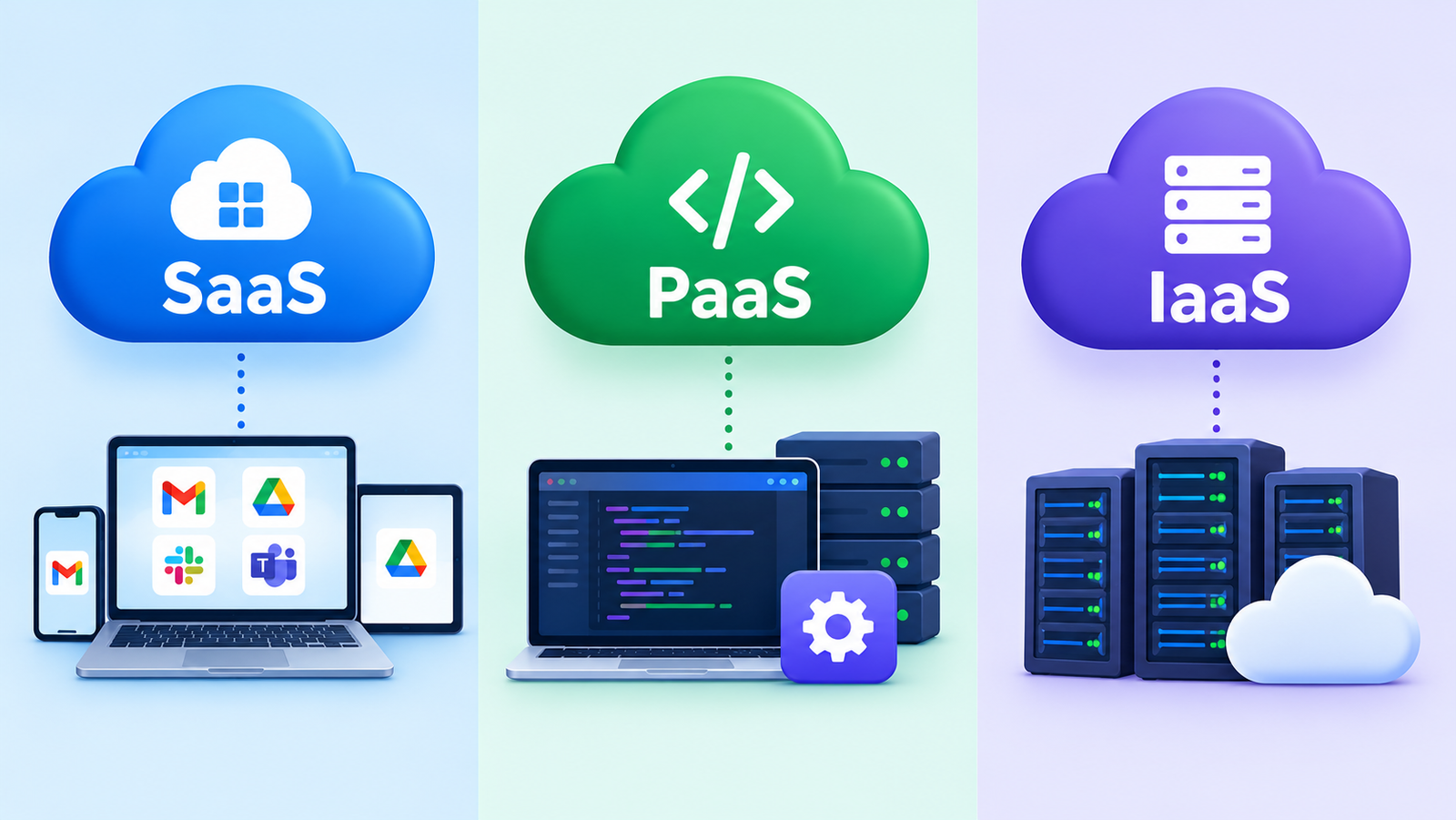
- IaaS, PaaS, and SaaS are three cloud service models that differ in how much you manage yourself and how much the provider manages for you.
- IaaS gives you basic computing resources, PaaS gives you a platform to build apps, and SaaS gives you ready-to-use software.
- The more the provider manages, the less control and effort you have, and the more convenient the service becomes.
- Whichever model you choose, you are still responsible for your data, user accounts, and access settings.
When people talk about “the cloud,” they often mix up very different things. Using Gmail, hosting a website on a rented server, and building an app on a developer platform are all cloud services, but they work differently and need different skills.
These differences are described by three main service models: IaaS, PaaS, and SaaS. In this guide, we explain each one in simple language, compare them side by side, and help you decide which fits your needs.
A Simple Way to Understand the Three Models
Think of making a pizza. You can buy the ingredients and bake it yourself, rent a kitchen and cook there, or simply order a ready pizza. The more steps someone else handles, the less work you do, and the less control you have over the result. Cloud service models work in a similar way.
What Is IaaS (Infrastructure as a Service)?
IaaS gives you the basic building blocks of computing over the internet: virtual servers, storage, and networking. The provider runs the physical hardware, while you choose the operating system, install your software, and manage the setup.
- Examples: virtual machine services from major cloud providers, such as Amazon EC2, Microsoft Azure Virtual Machines, and Google Compute Engine.
- Best for: IT teams that want full control, custom setups, or flexible capacity without buying hardware.
- You manage: operating system, applications, data, and security settings.
What Is PaaS (Platform as a Service)?
PaaS gives developers a ready environment to build, test, and run applications, without worrying about servers or operating system updates. The provider manages the infrastructure and the platform, and you focus on your code and data.
- Examples: services such as Google App Engine, Azure App Service, and Heroku.
- Best for: developers and teams that want to launch apps quickly.
- You manage: your application, its data, and its configuration.
What Is SaaS (Software as a Service)?
SaaS is complete software that you use through a web browser or an app, usually with a monthly or yearly subscription. The provider handles everything behind the scenes, including servers, updates, and maintenance.
- Examples: web email, online office tools, customer management systems, and video meeting apps.
- Best for: everyday users and businesses that want ready-made tools with no technical setup.
- You manage: your account, users, and the data you put in.
IaaS vs PaaS vs SaaS: Quick Comparison
| Feature | IaaS | PaaS | SaaS |
|---|---|---|---|
| What you get | Servers, storage, networking | Platform to build apps | Ready-to-use software |
| Control | High | Medium | Low |
| Technical skill needed | High | Medium | Low |
| Setup speed | Slower | Fast | Very fast |
| Typical user | IT administrators | Developers | Everyday users and teams |
How to Choose the Right Model
- Start with your goal. If you only need a tool, such as email or accounting, SaaS is usually the simplest.
- Consider your team’s skills. IaaS needs people who can manage servers and security. PaaS needs developers. SaaS needs almost none.
- Think about control. If you need custom software or special configurations, you may need IaaS or PaaS.
- Check your budget. SaaS has predictable subscription costs. IaaS and PaaS are often billed by usage, so costs can change.
- Look at your rules. Some industries must control where data is stored and how it is protected.
- Plan for growth. Consider how easily the service can scale, and how hard it would be to move away later.
The deployment type also matters. To learn how these service models connect with cloud setups, read our guide to public, private, and hybrid cloud.
Security Responsibility in Each Model
Cloud providers describe security as a shared responsibility, and the split changes with the model:
- IaaS: you are responsible for much more, including the operating system, applications, and network settings.
- PaaS: the provider handles the platform, while you secure your application and data.
- SaaS: the provider secures the software, while you still manage user accounts, passwords, and sharing settings.
In every model, you remain responsible for your data and for who can access it. Turn on multi-factor authentication, limit permissions, and keep backups. Our guide to cloud security best practices lists the key steps, and the idea of verifying every user and device is explained in our article on Zero Trust security.
Also remember that attackers target cloud accounts. A good habit is to learn how to recognize phishing emails, which are a common way to steal cloud logins, and to keep tested backups in case of ransomware.
Privacy and Compliance
When you use any cloud service, you may be storing personal data on servers owned by someone else, sometimes in another country. Know where your data is stored, what the provider’s terms say, and which privacy rules apply to you. You can read the basics in our guide to data privacy laws.
Other Cloud Service Models You May Hear About
- FaaS (Function as a Service), often called serverless: you run small pieces of code that start only when needed, and you pay only for the time they run.
- DaaS (Desktop as a Service): a virtual desktop delivered from the cloud.
- “XaaS” (Anything as a Service): a general term for the many services now offered through the cloud.
Frequently Asked Questions
Which is the easiest cloud service model to use?
SaaS is usually the easiest, because the software is ready to use and the provider handles maintenance and updates.
Can a business use all three models together?
Yes. Many organizations use SaaS tools for daily work, PaaS to build custom apps, and IaaS for specialized systems.
Is SaaS the same as cloud storage?
Not exactly. Cloud storage is a service for keeping files online. Some cloud storage products are delivered as SaaS, but SaaS covers a much wider range of software.
Is IaaS more secure than SaaS?
Neither is automatically more secure. IaaS gives you more control but also more responsibility, while SaaS reduces your workload but relies on the provider and on your account settings.
Conclusion
IaaS, PaaS, and SaaS describe how much of the technology you manage and how much your provider handles. IaaS offers the most control, PaaS speeds up app development, and SaaS offers the most convenience. Choose based on your goal, your team’s skills, and your budget, and remember that security of your data and accounts is always partly your job. Product names, features, and pricing change often, so check each provider’s current documentation before you decide.