Ransomware attacks are one of the most damaging cyber threats facing businesses today. In just a few hours, criminals can lock every computer in a company, steal sensitive files and demand a large payment to give them back. Hospitals have cancelled operations, factories have stopped production and small businesses have closed for good after an attack.
The good news is that most ransomware attacks can be prevented — or their damage greatly reduced — with the right preparation. This guide explains what ransomware is, how it works, the latest statistics, famous examples and 12 proven ways to protect your business in 2026.
🔐 Key Takeaways
- Ransomware is malicious software that encrypts or steals data and demands payment, usually in cryptocurrency.
- Ransomware was involved in 48% of confirmed data breaches in Verizon’s 2026 report — the highest level ever recorded.
- Average recovery costs reached about $1.7 million per incident, not counting any ransom.
- Most attacks start with stolen passwords, phishing emails or unpatched software.
- Offline backups, multi-factor authentication, fast patching and a tested response plan are the best defences.
What Is Ransomware?
Ransomware is a type of malicious software (malware) that blocks access to a victim’s files or systems until a ransom is paid. In most modern attacks, criminals encrypt data so it cannot be opened, and they also steal copies of sensitive files. They then threaten to publish or sell the stolen data if the victim refuses to pay.
Ransom demands are usually made in cryptocurrency such as Bitcoin or Monero, because it is harder to trace than bank transfers. Paying, however, does not guarantee that victims will get their data back or that stolen files will be deleted.
Today, ransomware is run like a criminal business. Many gangs operate a “ransomware-as-a-service” (RaaS) model, where developers rent their malware to “affiliates” who carry out ransomware attacks and share the profits.
Ransomware Attacks by the Numbers (2026)
Verizon’s 2026 Data Breach Investigations Report found ransomware in 48% of confirmed breaches, up from 44% a year earlier. The good news is that 69% of victims did not pay, and the median ransom paid fell to about $139,875. Sophos’s State of Ransomware 2026 survey found that the average cost to recover from an attack rose to about $1.7 million, and 56% of attacks still managed to encrypt data. Blockchain analysts at Chainalysis tracked about $820 million in ransomware payments in 2025, even though the number of claimed victims rose by 50%.
How Ransomware Attacks Work
Most ransomware attacks follow a similar chain of steps:
- Initial access: attackers break in through a phishing email, stolen password, unpatched VPN or server, exposed remote desktop or a compromised supplier.
- Establish a foothold: they install tools that let them control the system and avoid detection.
- Move through the network: criminals steal more passwords, gain administrator rights and map out important servers and backups.
- Steal data: sensitive files such as customer records, financial data and contracts are copied out of the network.
- Destroy backups: attackers try to delete or encrypt backups so the victim cannot recover easily.
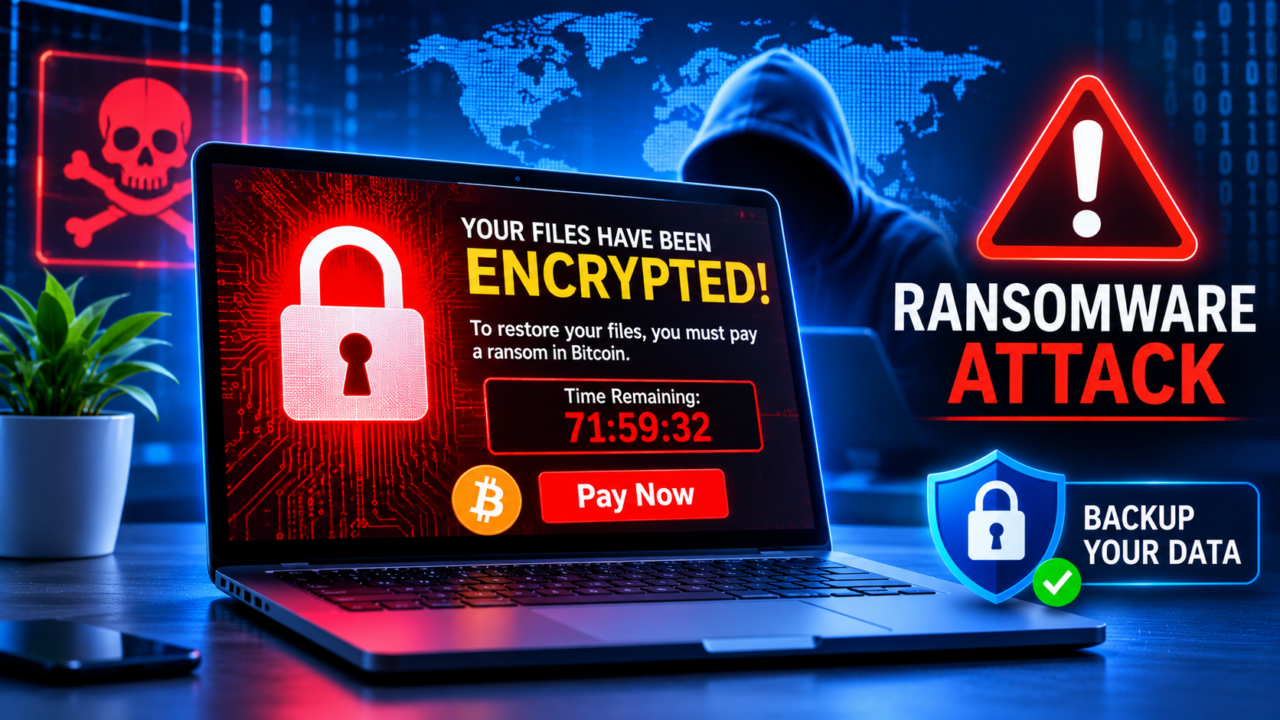
- Encrypt and extort: the ransomware is launched across many systems at once, and a ransom note appears with payment instructions and a deadline.
The whole process behind modern ransomware attacks can take weeks — or, increasingly, just hours. That is why early detection is so important.
Types of Ransomware Attacks
- Crypto ransomware: encrypts files so they cannot be opened without a decryption key.
- Locker ransomware: locks users out of their devices completely.
- Double extortion: criminals encrypt data and threaten to leak stolen files.
- Triple extortion: adds extra pressure, such as attacking the victim’s website or contacting their customers.
- Data-theft-only extortion: some groups skip encryption and simply steal data and demand payment to keep it private.
- Wipers disguised as ransomware: destructive malware that permanently destroys data, often linked to state-backed attacks.
Famous Ransomware Attacks
| Year | Attack | What happened |
|---|---|---|
| 2017 | WannaCry | Spread worldwide in hours, hitting hospitals in the UK’s NHS and companies in more than 150 countries. |
| 2017 | NotPetya | A destructive attack disguised as ransomware that caused billions of dollars in damage to global companies. |
| 2021 | Colonial Pipeline | Shut down a major US fuel pipeline for days, causing fuel shortages on the East Coast. |
| 2023 | MGM Resorts | Disrupted hotels and casinos in Las Vegas after attackers tricked the IT help desk. |
| 2024 | Change Healthcare | Disrupted payments and prescriptions across the US healthcare system and exposed data of millions of people. |
These ransomware attacks show that the real damage often comes from downtime, lost trust and recovery costs — not just the ransom itself.
Who Is Most at Risk?
Any organisation can face ransomware attacks, but some sectors are targeted more often because downtime is so costly:
- Healthcare: hospitals cannot wait days to restore patient systems.
- Manufacturing: stopped production lines cost money every hour.
- Education and local government: often have limited security budgets and older systems.
- Retail and services: hold large amounts of customer and payment data.
- Small and medium businesses: criminals increasingly target them because they usually have weaker defences.
Warning Signs of a Ransomware Attack
- Unusual login activity, especially at night or from unfamiliar countries
- New administrator accounts that no one created
- Security software suddenly disabled
- Large amounts of data being sent out of the network
- Files with strange new extensions or that will not open
- Backups failing or being deleted
- A ransom note appearing on screens or in folders
If you see these signs, act immediately — fast action can stop ransomware attacks before encryption begins.
12 Proven Ways to Protect Your Business From Ransomware Attacks
- Keep reliable, offline backups: follow the 3-2-1-1 rule — three copies of your data, on two different types of storage, one off-site and one offline or immutable (cannot be changed). Test restoring regularly.
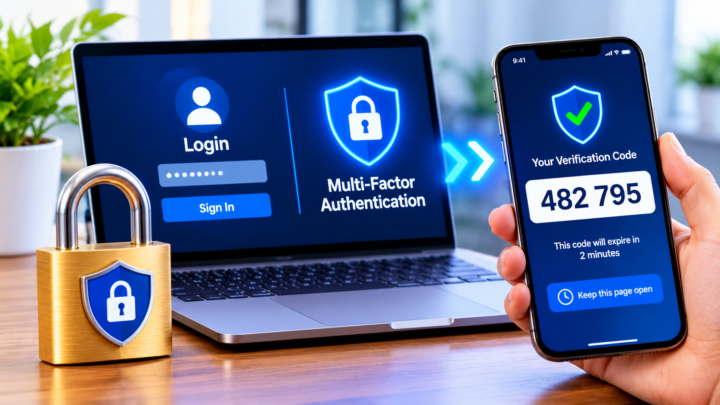
- Turn on multi-factor authentication (MFA): especially for email, remote access, cloud services and administrator accounts. Phishing-resistant options such as passkeys and security keys are strongest.
- Patch quickly: update operating systems, VPNs, firewalls and internet-facing servers as soon as critical fixes are released.
- Secure remote access: never expose remote desktop (RDP) directly to the internet; use secure, monitored access methods.
- Use endpoint detection and response (EDR): modern security tools can spot and stop suspicious behaviour before encryption begins.
- Limit administrator rights: give staff only the access they need, and use separate accounts for admin tasks.
- Segment your network: separate critical systems and backups so attackers cannot easily move everywhere.
- Filter email and web traffic: block malicious attachments, links and known bad websites.
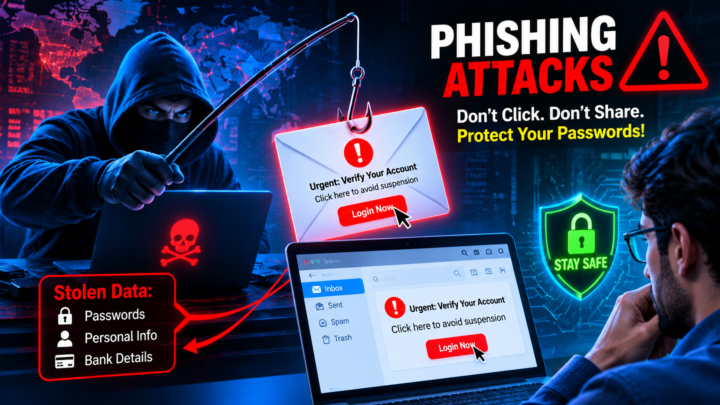
- Train your team: regular, short training helps staff spot phishing emails, fake calls and suspicious requests. Read our guide to phishing attacks to understand common tricks.
- Manage third-party risk: check the security of suppliers and IT providers who connect to your systems.
- Create and test an incident response plan: know who to call, how to isolate systems and how to communicate with customers.
- Consider cyber insurance: it can help cover recovery costs, but insurers increasingly require strong security controls such as MFA and backups.
💡 Most important tip: if you can restore everything from clean, offline backups, ransomware loses most of its power. Test your backups before you need them.
What to Do If You Are Hit by Ransomware
- Isolate infected systems: disconnect affected devices from the network and Wi-Fi, but do not turn them off immediately — evidence in memory can help investigators.
- Activate your response plan: contact your IT team, managed security provider or an incident response firm.
- Protect your backups: make sure they are disconnected and not infected.
- Report the attack: in the US, contact the FBI or CISA; in the UK, report to the National Cyber Security Centre and the national fraud reporting service; elsewhere, contact your national cybercrime authority.
- Check for free decryption tools: the No More Ransom project offers free decryptors for some ransomware families.
- Meet legal obligations: if personal data was stolen, you may need to notify regulators and affected people — under the GDPR, often within 72 hours. Learn more in our guide to GDPR compliance.
- Restore carefully: rebuild systems from clean backups, reset all passwords and fix the weakness attackers used to get in.
The US government’s StopRansomware website provides free guides and checklists for prevention and response.
Should You Pay the Ransom?
Law enforcement agencies such as the FBI strongly advise against paying. There are several reasons:
- Paying does not guarantee you will get working decryption keys or that stolen data will be deleted.
- Many victims who pay are attacked again.
- Payments fund more criminal activity.
- Paying certain sanctioned groups can be illegal and lead to penalties.
The decision is ultimately a business and legal one, but the growing number of organisations refusing to pay — 69% in Verizon’s latest data — shows that strong backups and preparation give companies real choices.
The Real Cost of Ransomware Attacks
The ransom is often the smallest part of the bill. The true cost of ransomware attacks usually includes:
- Downtime: lost sales and productivity while systems are offline, sometimes for weeks.
- Recovery work: IT specialists, incident response firms, new hardware and overtime for staff.
- Legal and regulatory costs: lawyers, breach notifications and possible fines if personal data was stolen.
- Reputation damage: customers and partners may lose trust and move to competitors.
- Higher insurance premiums: after an incident, cyber insurance usually becomes more expensive.
This is why investing in prevention almost always costs far less than recovering from ransomware attacks.
Common Myths About Ransomware Attacks
- “We are too small to be a target.” Criminals often use automated tools that scan the internet for any weak system, regardless of company size.
- “Our antivirus will stop it.” Attackers frequently disable security tools before launching ransomware.
- “We have backups, so we are safe.” Backups that stay connected to the network can be encrypted too, and stolen data can still be leaked.
- “Paying the ransom ends the problem.” Victims who pay may not get all their data back and are sometimes targeted again.
- “Cloud services are immune.” Cloud accounts can be compromised with stolen passwords if MFA is not enabled.
Practise Before It Happens: Tabletop Exercises
One of the most effective ways to prepare for ransomware attacks is a tabletop exercise — a meeting where leaders and IT staff walk through a realistic attack scenario step by step. Questions to discuss include:
- Who decides whether to shut down systems?
- How do we contact staff if email is down?
- How quickly can we restore our most important systems from backup?
- Who speaks to customers, partners and the media?
- When do we contact law enforcement, insurers and regulators?
Running an exercise once or twice a year reveals gaps in plans while there is still time to fix them.
Ransomware and Artificial Intelligence
AI is changing ransomware attacks on both sides. Criminals use AI to write convincing phishing messages, find vulnerable systems faster and even clone voices to trick help desks into resetting passwords. Defenders use AI to detect unusual behaviour, analyse threats and respond automatically before damage spreads. Learn more about these tools in our guide to generative AI.
Protecting Small Businesses From Ransomware Attacks
Small businesses often think they are too small to be targeted, but criminals increasingly focus on them because they have fewer defences. Affordable steps that make a big difference include:
- Using cloud services with built-in security and version history for files — see our guide to cloud computing
- Turning on MFA for every email and cloud account
- Setting automatic updates on all computers and phones
- Keeping at least one backup disconnected from the network
- Using business-grade antivirus or EDR software
- Working with a trusted IT provider for monitoring and support
Many governments also offer free help. The UK’s National Cyber Security Centre, the US Cybersecurity and Infrastructure Security Agency (CISA) and similar agencies publish simple checklists, training and alerts designed specifically for small organisations with limited budgets. Following just a few of these steps can make your business a much harder target than most.
Ransomware Attacks FAQs
What is ransomware in simple words?
Ransomware is harmful software that locks your files or computer and demands money to unlock them. Many attackers also steal data and threaten to publish it.
How do ransomware attacks usually start?
Most ransomware attacks start with phishing emails, stolen or weak passwords, unpatched software or exposed remote access services.
Can ransomware spread to cloud storage?
Yes. If synced folders or cloud accounts are connected to an infected device, encrypted files can sync to the cloud. Version history and separate backups help you recover.
Can antivirus stop ransomware?
Modern security software can stop many attacks, but no tool is perfect. Combine it with MFA, patching, backups and staff training for strong protection.
How long does it take to recover from ransomware?
It depends on preparation. Some organisations recover within days using good backups, while others take weeks. Sophos found that average recovery takes around three weeks.
Is it illegal to pay a ransom?
In most countries paying is not automatically illegal, but paying sanctioned groups can break the law. Always involve legal advisers and law enforcement before making any decision.
Can individuals be targeted by ransomware?
Yes, although most attacks now target businesses. Individuals can protect themselves with updates, backups, strong passwords and careful clicking.
Which industries suffer the most ransomware attacks?
Healthcare, manufacturing, education, government and retail are among the most frequently targeted sectors, because downtime is expensive and they often hold valuable data. However, ransomware attacks affect businesses of every size and industry.
Does cyber insurance cover ransomware?
Many cyber insurance policies cover parts of the cost, such as incident response, recovery and legal fees. Insurers now usually require strong controls like MFA, backups and endpoint protection before offering cover, so check your policy carefully.
Conclusion
Ransomware attacks are now present in nearly half of all data breaches, and recovery can cost millions of dollars. Yet the trend is not hopeless: more victims than ever are refusing to pay because they prepared in advance. Strong backups, multi-factor authentication, fast patching, trained staff and a tested response plan can turn a potential disaster into a manageable incident. Start with the basics today — the best time to prepare for ransomware is before it strikes.
🛡️ Stay protected: Explore more practical guides in our Cyber Security section.
Sources: Verizon 2026 Data Breach Investigations Report; Sophos State of Ransomware 2026; Chainalysis 2026 Crypto Crime Report. This article is for general information and does not replace professional security or legal advice.