Is your battery draining overnight, your data usage climbing or strange apps appearing out of nowhere? These can be signs your phone is hacked. Smartphones now hold our banking apps, emails, photos and passwords, which makes them a top target for criminals in the UK, USA, Canada and across Europe.
The good news is that most phone hacks leave clues, and you can usually take back control in less than an hour. This guide explains how to tell if your phone is hacked, the 15 most common warning signs, how to check an iPhone or Android step by step, what to do straight away and how to stop it happening again.
📱 Key Takeaways
- Fast battery drain, high data use, pop-ups, unknown apps and strange account activity are the most common signs your phone is hacked.
- Most phone hacks come from malicious apps, phishing links, fake Wi-Fi, SIM swaps or stolen account passwords.
- Kaspersky blocked more than 14 million attacks on mobile users in 2025, and banking trojan attacks on Android rose by 56%.
- If you think your phone is hacked, disconnect it, remove suspicious apps, update the system and change your important passwords from a safe device.
- Updates, official app stores, multi-factor authentication and a strong screen lock prevent most attacks.
What Does It Mean When Your Phone Is Hacked?
Your phone is hacked when someone gains access to your device, its data or the accounts connected to it without your permission. That does not always mean a Hollywood-style hacker is watching your screen. In everyday life, it usually means one of the following:
- Malware on the phone: a harmful app that shows ads, steals passwords, reads text messages or spies on your activity.
- A hacked account: criminals log in to your Apple ID, Google account, WhatsApp, email or social media using a stolen password.
- A SIM swap: someone convinces your mobile network to move your number to their SIM card so they receive your calls and security codes.
- Stalkerware: monitoring software secretly installed by someone with physical access to your phone.
Knowing which type you face helps you fix the problem faster.
How Common Is Phone Hacking in 2026?
According to Kaspersky’s mobile threat report, its security tools blocked more than 14 million attacks on mobile users in 2025, adware made up 62% of detections and attacks by banking trojans on Android grew by 56% compared with the previous year. Malwarebytes also reported that Android malware rose by 151% in the first half of 2025. In short, the chance that a phone is hacked is real for ordinary people, not just celebrities.
15 Warning Signs Your Phone Is Hacked
One sign on its own is not proof. But if you notice several of these together, there is a good chance your phone is hacked:
- Battery drains much faster than normal — hidden malware runs in the background all the time.
- Phone feels hot when you are not using it — a sign that something is working hard in secret.
- Mobile data usage jumps suddenly — spyware sends your data to criminals.
- Phone is slow, freezes or crashes without an obvious reason.
- Pop-up ads appear everywhere, even on your home screen — a classic adware symptom.
- Apps you did not install appear in your app list.
- Strange texts or calls on your bill, including premium-rate numbers.
- Friends receive messages you never sent from your WhatsApp, SMS or social media.
- Login alerts or password reset emails you did not request.
- Your phone suddenly loses signal and shows “No service” or “SOS only” — a possible SIM swap.
- Unknown purchases on your app store, bank or card statements.
- Browser homepage or search engine changes on its own.
- Camera or microphone indicator lights up when you are not using them.
- Settings change by themselves, such as security features being turned off.
- Unknown device management profiles or admin apps appear in your settings.
💡 Good to know: an old battery, a recent system update or a heavy game can also cause slowness and battery drain. Look for a combination of signs, especially strange account activity, before deciding your phone is hacked.
How Do Phones Get Hacked?
Understanding how criminals get in helps you close the doors. The most common routes are:
- Malicious apps: fake games, flashlight tools, VPNs or “cleaner” apps that hide malware, especially when downloaded outside official stores.
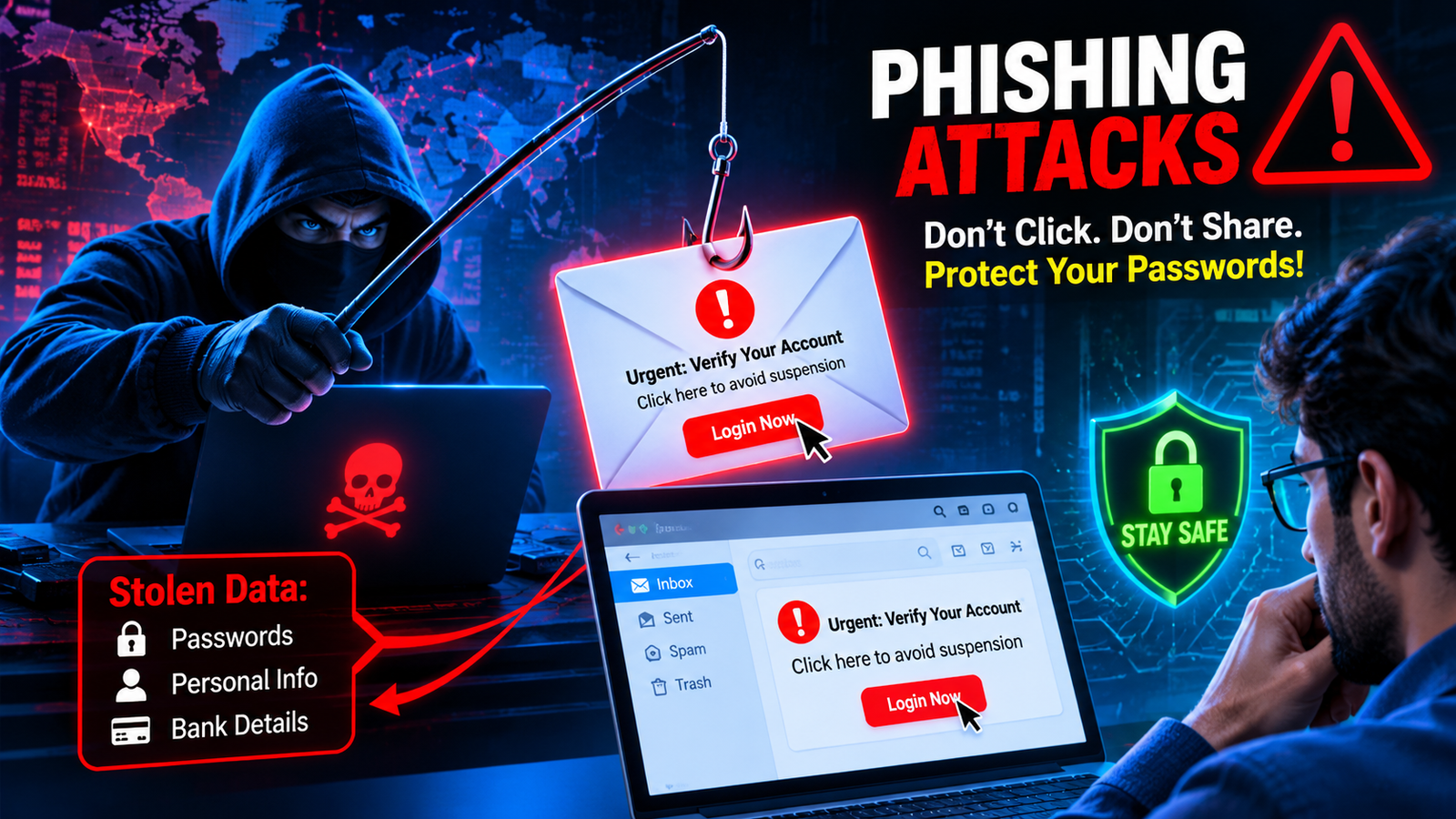
- Phishing texts and emails: messages pretending to be from a delivery company, bank or tax office that lead to fake login pages. Learn the tricks in our guide to phishing attacks.
- Stolen or reused passwords: if a password leaks from one website, criminals try it on your email and cloud accounts.
- SIM swap fraud: criminals trick your mobile network into moving your number to their SIM.
- Public Wi-Fi and fake hotspots: unsecured networks in cafés, airports and hotels can expose your traffic. A trusted VPN adds protection — see what a VPN does.
- Outdated software: phones that no longer receive security updates are easier to attack.
- Physical access: someone who knows your passcode can install stalkerware in minutes.
How to Check If Your iPhone Is Hacked
iPhones are harder to infect with malware because Apple only allows apps from the App Store, but accounts can still be compromised. To check whether your iPhone is hacked:
- Go to Settings → Battery and look for apps using unusual amounts of power.
- Open Settings → Mobile Service (Cellular) and check which apps use the most data.
- Check Settings → General → VPN & Device Management for profiles you did not install. Remove any you do not recognise.
- Review Settings → [your name] → Devices to see every device signed in to your Apple Account and remove unknown ones.
- Run Safety Check (Settings → Privacy & Security → Safety Check) to review who has access to your location and data.
- Look for an orange or green dot at the top of the screen when apps use the microphone or camera.
Read more about Apple’s security features in our Apple company profile.
How to Check If Your Android Phone Is Hacked
Android phones are more open, so malware is more common. To check whether your Android phone is hacked:
- Open the Google Play Store, tap your profile picture, then Play Protect, and run a scan.
- Go to Settings → Apps and look for apps you do not recognise, especially ones with no icon or generic names.
- Check Settings → Security → Device admin apps and turn off anything suspicious.
- Review Settings → Accessibility — banking trojans often abuse accessibility permissions.
- Look at Settings → Battery and Network & internet → Data usage for unusual activity.
- Visit your Google account’s Security page to see recent sign-ins and connected devices.
Menu names vary slightly between Samsung, Google Pixel, Xiaomi and other brands, but the same options exist on most phones. Learn how Google protects Android in our Alphabet company profile.
What to Do If Your Phone Is Hacked: 9 Steps
If you believe your phone is hacked, act quickly and calmly. Follow these steps in order:
- Disconnect: turn off Wi-Fi and mobile data, or switch on aeroplane mode, to stop data being sent out.
- Restart your phone: a simple restart can stop some types of malware that only live in memory.
- Remove suspicious apps: uninstall anything you do not recognise. On Android, first remove its device-admin permission if needed.
- Update everything: install the latest system update and app updates — they fix security holes.
- Change passwords from a safe device: start with your email, Apple or Google account, banking apps and social media.
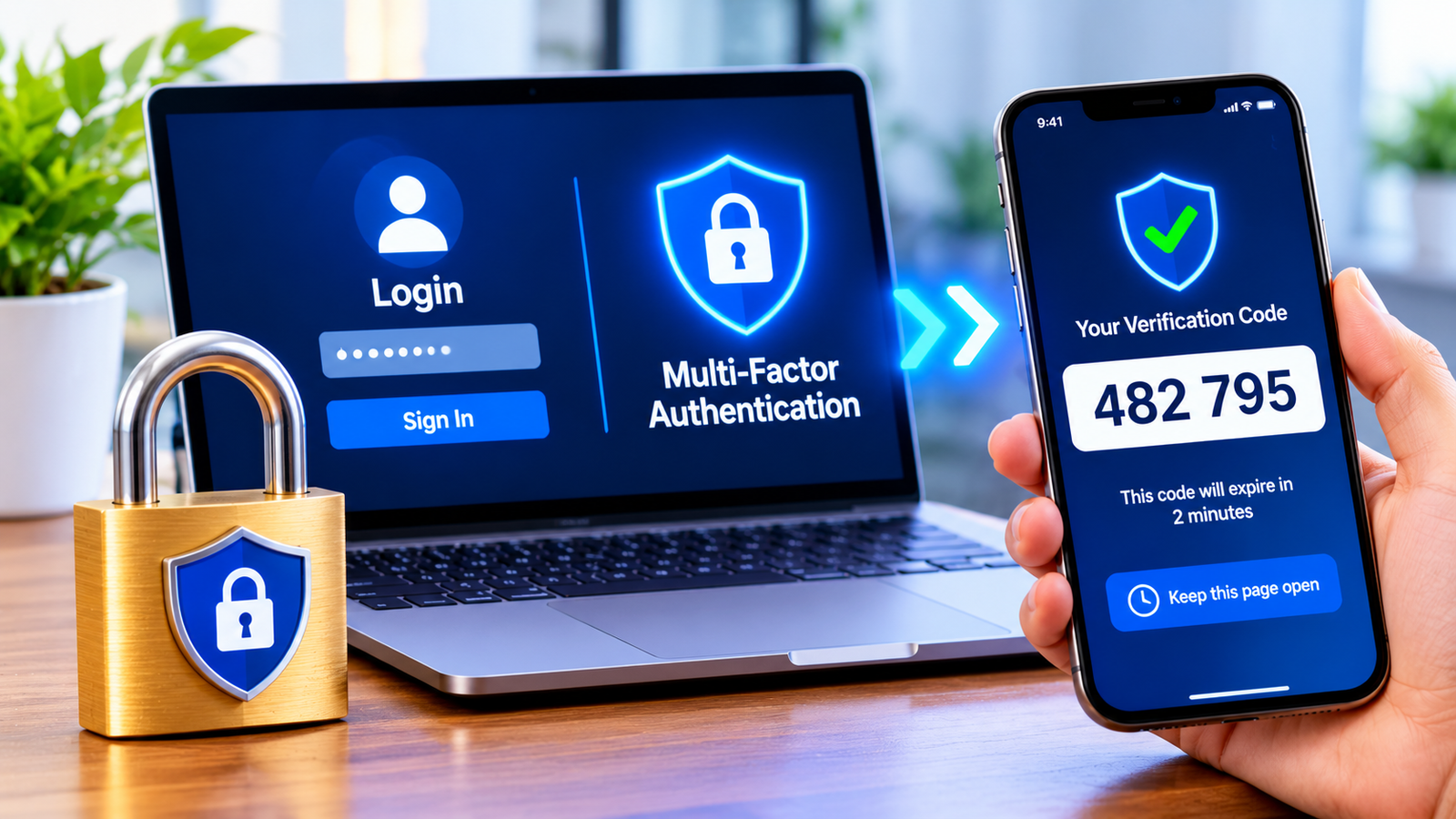
- Turn on multi-factor authentication: this stops criminals even if they know your password. See our multi-factor authentication guide.
- Call your bank and mobile network: ask your bank to watch for fraud, and ask your network to add a PIN or “port-out” protection to stop SIM swaps.
- Warn your contacts: tell friends not to click links or send money if messages came from your accounts.
- Factory reset if problems continue: back up photos and contacts, then erase the phone and set it up again. Do not restore apps from an old backup that may contain the malware.
⚠️ Important: never pay anyone who claims they will “unlock” or “clean” your hacked phone through a pop-up message. These are scams. Use official tools from Apple, Google or a trusted security company.
Where to Report a Hacked Phone
If money was stolen or your identity was misused, report it. Official help is available in many countries:
| Country | Where to report |
|---|---|
| United States | The FTC at IdentityTheft.gov and the FBI’s Internet Crime Complaint Center (IC3) |
| United Kingdom | The national fraud reporting service and your bank; the NCSC accepts suspicious messages forwarded to 7726 (texts) and report@phishing.gov.uk (emails) |
| Canada | The Canadian Anti-Fraud Centre and your local police |
| Germany | Your local police; the BSI publishes advice for citizens |
| Italy | The Polizia Postale e delle Comunicazioni |
The US Federal Trade Commission also explains how to recover hacked accounts on its consumer advice page about malware.
How to Stop Your Phone Being Hacked Again
Prevention is far easier than recovery. These habits keep criminals out:
- Install updates quickly and replace phones that no longer receive security updates.
- Use only official app stores and check reviews, downloads and permissions before installing.
- Use a strong screen lock — a six-digit PIN or longer, plus Face ID or fingerprint.
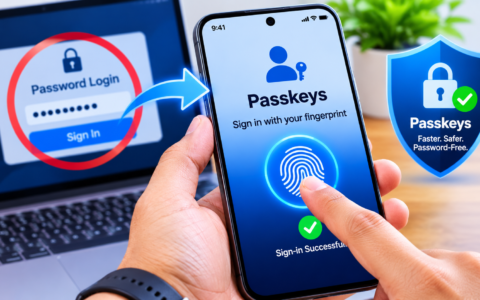
- Turn on multi-factor authentication for email, banking, Apple ID and Google accounts; passkeys are even better.
- Use a password manager so every account has a unique password.
- Do not click links in unexpected texts, even if they look like they come from a delivery firm or your bank.
- Avoid public Wi-Fi for banking, or use mobile data or a trusted VPN.
- Add a SIM PIN and account PIN with your mobile network to block SIM swaps.
- Restart your phone regularly — the US National Security Agency advises restarting at least weekly to help disrupt some attacks.
- Enable Find My iPhone or Find My Device so you can lock or erase a lost phone.
Can Someone Hack My Phone With Just My Number?
Simply knowing your number is usually not enough for someone to take over your device. However, criminals can use your number to send phishing texts, make scam calls or attempt a SIM swap. Very advanced “zero-click” spyware does exist, but it is expensive and normally aimed at journalists, politicians and activists rather than everyday users. For most people, the real danger is clicking a link, installing a bad app or reusing a password.
Is My Phone Hacked or Is It Just Old?
Many people worry their phone is hacked when the real problem is age. A phone that is four or five years old will naturally have a weaker battery and slower performance. Ask yourself:
- Did the problems start suddenly, or slowly over months?
- Are there unknown apps, logins or charges? (These point to hacking.)
- Do problems continue after updating and restarting?
Sudden changes combined with strange account activity are much stronger signs that your phone is hacked than slow performance alone.
Phone Hacking and Business Devices
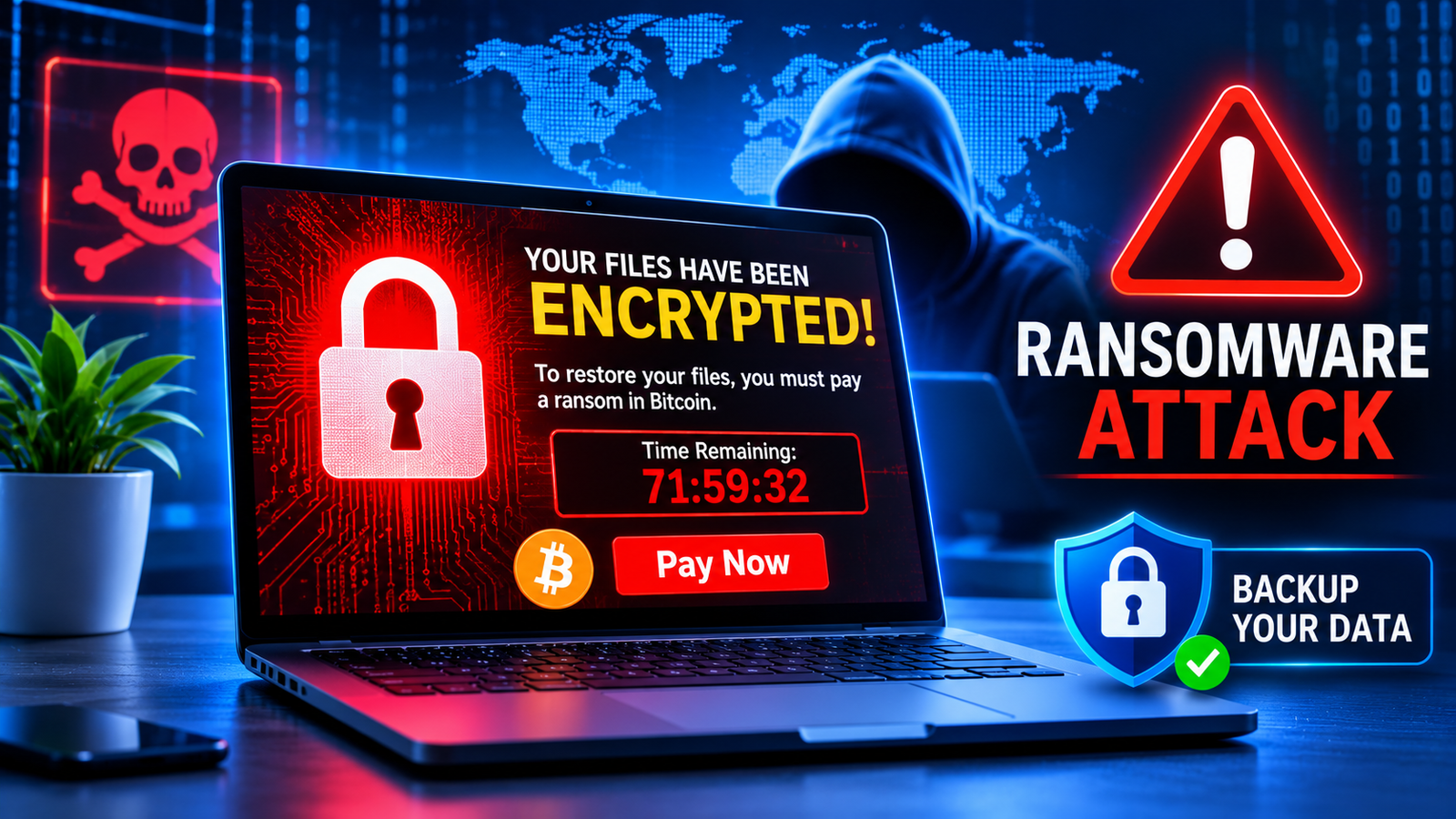
If your work phone is hacked, tell your IT team straight away. Criminals often use a compromised phone to access company email, cloud files and messaging apps, and sometimes as a first step towards bigger attacks like ransomware. Many businesses use mobile device management tools that can lock or wipe a phone remotely and check whether it meets security rules.
Phone Is Hacked FAQs
How can I tell if my phone is hacked?
Look for a combination of signs: fast battery drain, high data use, pop-ups, unknown apps, messages you did not send, login alerts and unexplained charges. Then check your apps, battery and account sign-in pages.
Can my phone be hacked by opening a text message?
Simply opening a normal text is very unlikely to hack your phone. The danger comes from clicking links, downloading files or entering details on fake websites.
Does a factory reset remove hackers?
A factory reset removes almost all malware from the device. However, if criminals have your account passwords, you must also change them and turn on multi-factor authentication.
Can iPhones be hacked?
Yes. iPhones are well protected against malware, but attackers can still steal your Apple Account password, trick you with phishing or take over your number with a SIM swap.
Is there a code to check if my phone is hacked?
No secret dial code can prove your phone is hacked. Some codes show call forwarding settings, but the best checks are your apps, battery, data use and account activity.
Should I use antivirus on my phone?
On Android, a reputable security app adds useful protection alongside Google Play Protect. On iPhone, keeping iOS updated and using strong account security matters most.
What is the first thing to do if my phone is hacked?
Disconnect from the internet, remove suspicious apps, then change your email and banking passwords from another trusted device and turn on multi-factor authentication.
Conclusion
Finding out your phone is hacked is stressful, but it is usually fixable. Watch for warning signs like fast battery drain, unknown apps, strange messages and login alerts. If you suspect a problem, disconnect, remove suspicious apps, update your system and secure your accounts with new passwords and multi-factor authentication. With regular updates, official app stores and careful clicking, you can keep your phone — and your personal life — safe from hackers.
🛡️ Stay protected: Explore more simple guides in our Cyber Security section.
Sources: Kaspersky Mobile Malware Evolution 2025; Malwarebytes Android threat research 2025; US NSA mobile device best practices; US Federal Trade Commission consumer advice. This article is for general information only.